
Magic Constellations Music Visualizer1.40 - Get APK
You'll be able to download in few seconds.
Publisher Description
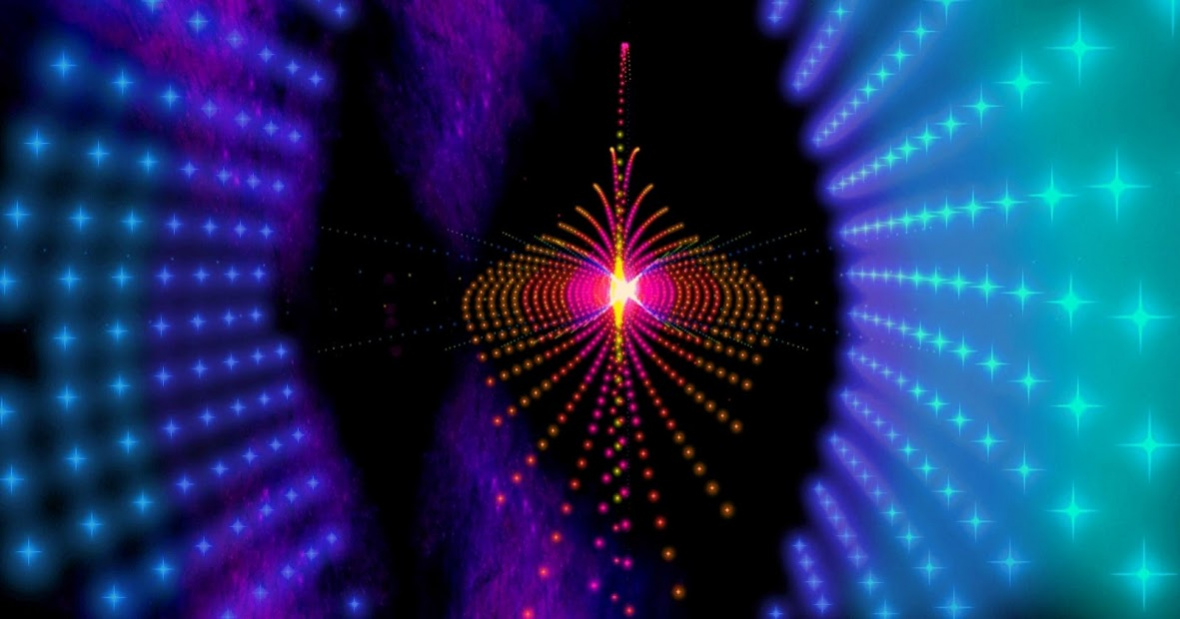
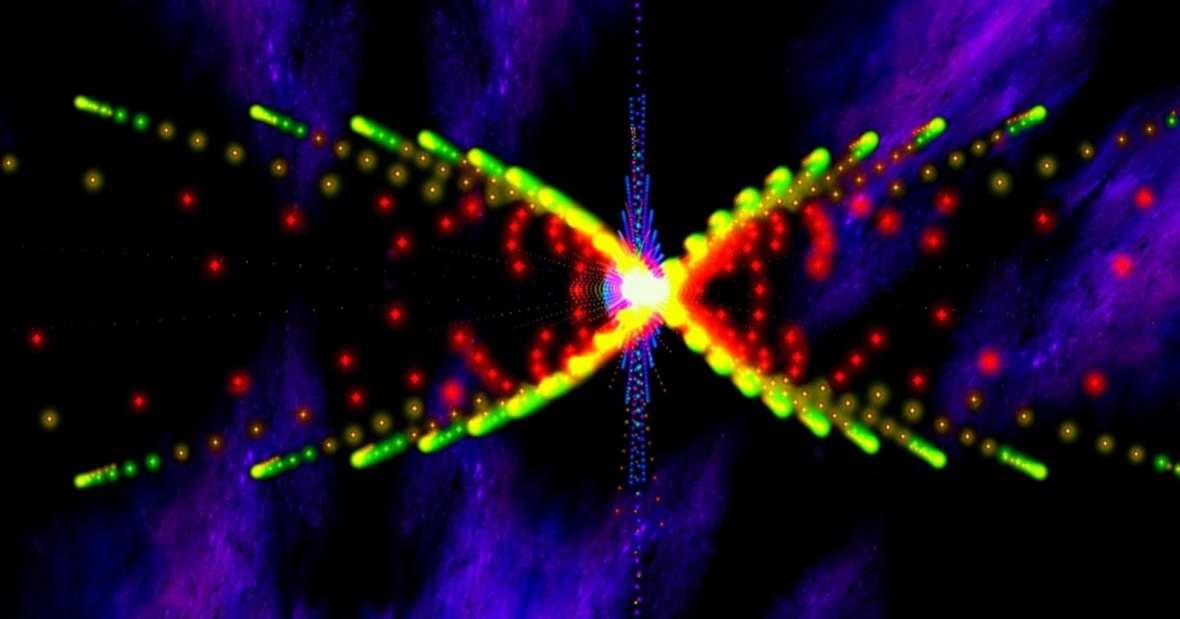
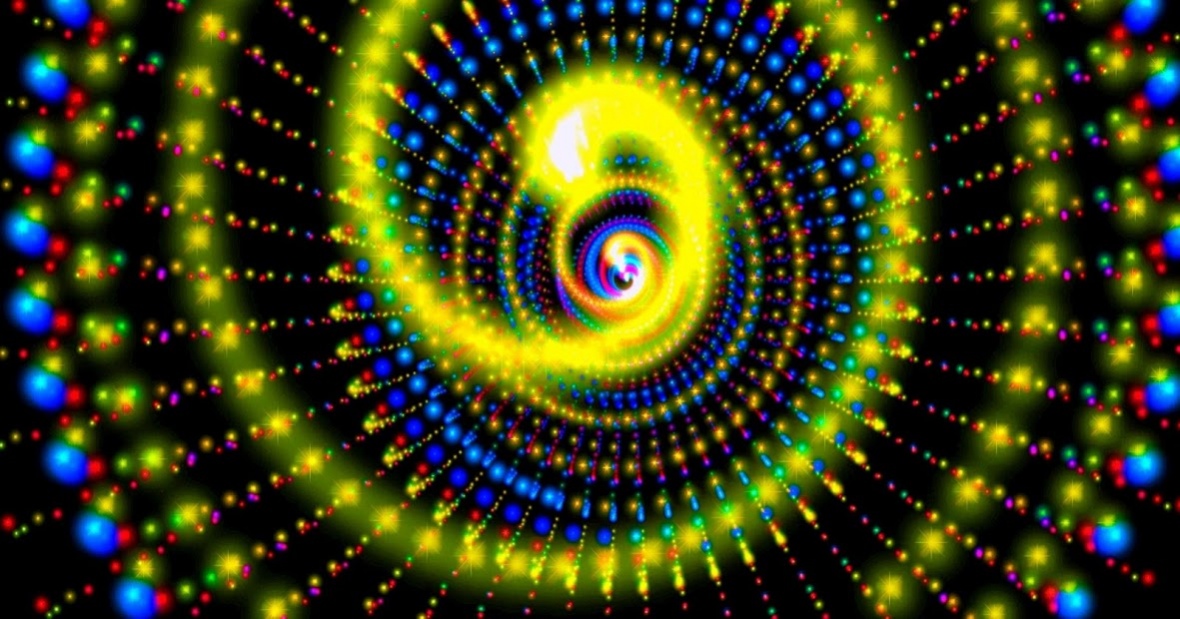
You will experience constellations like "Passage to the other side of the universe" and "All seeing eye". The visualizer creates a unique and cosmic soundscape, when it syncs with your favorite music. New constellations appear all the time, so the journey will never end.
*** Create your own journey ***
Choose from 17 different constellations. You can then change the color and brightness of the stars, the distance between the constellations, the speed of they journey and much more. You can choose between lots of star types, like "Alpha Centauri" and "Sirius". Battery saving functionality is also available.
*** Music choice ***
14 colorful and hypnotic themes for music visualization are included. You can visualize your own favorite music from any audio player app. 47 radio channels are also included in the app, with lots of different music styles.
*** Interactive gyroscope ***
Enable the Gyroscope for interactivity, so you can control your ride through the tunnel. Your view in 3D space will change when you tilt and rotate the screen. Gyroscope is much more effective you use if the device is locked to portrait or landscape.
*** Instructions ***
Both a Live wallpaper and a fullscreen visualizer is included. Both of these have music visualization. Choose "Visualizer" from the startscreen to start the fullscreen visualizer. Play your music with any music player. The app will then follow and visualize the music.
You can also listen to and visualize music from 47 radio channels from Digital Impulse, which are available from the settings menu.
*** How to change the music syncing capabilities ***
You can adjust these music syncing capabilities: Music colors, Music colors change rate, Speed, Different colors
1) Music colors
The app chooses the colors for the stars based on how the music sounds. This will result in a very colorful music visualization. You can choose between 6 different color themes for this.
2) Music colors change rate
"Mixed music colors" is the default color theme for the music visualization. This is set by default when you install the app. This theme switches between color themes in a random way. It can for instance switch from "red to blue" to "yellow to red". "Music colors change rate" determines how often this switching occurs.
3)Speed
You can adjust the speed of the journey so it harmonizes with the speed of the music. It would be better if this could be done with BPM syncing in the software of the app, but the mobile processors are not powerful enough for this yet.
4)Different colors
You can choose here if each constellation should have different colors or not.
General info
The app will turn to default mode without reacting to the music, when no music is playing or if you disable "music visualization".
*** App video ***
The video is produced by Stefano Rodriguez. Watch other videos by him here:
https://www.youtube.com/user/TheStefanorodriguez
About Magic Constellations Music Visualizer
The company that develops Magic Constellations Music Visualizer is Mobile Visuals. The latest version released by its developer is 1.40.
To install Magic Constellations Music Visualizer on your Android device, just click the green Continue To App button above to start the installation process. The app is listed on our website since 2018-10-16 and was downloaded 0 times. We have already checked if the download link is safe, however for your own protection we recommend that you scan the downloaded app with your antivirus. Your antivirus may detect the Magic Constellations Music Visualizer as malware as malware if the download link to magic.spacef is broken.
How to install Magic Constellations Music Visualizer on your Android device:
- Click on the Continue To App button on our website. This will redirect you to Google Play.
- Once the Magic Constellations Music Visualizer is shown in the Google Play listing of your Android device, you can start its download and installation. Tap on the Install button located below the search bar and to the right of the app icon.
- A pop-up window with the permissions required by Magic Constellations Music Visualizer will be shown. Click on Accept to continue the process.
- Magic Constellations Music Visualizer will be downloaded onto your device, displaying a progress. Once the download completes, the installation will start and you'll get a notification after the installation is finished.
Program Details
System requirements
Download information
Pricing
Version History
version 1.40
posted on 2018-10-16
Lots of new backgrounds have been added!
version 1.36
posted on 2017-04-30
Music visualization has been optimized for higher contrast and more colors.
version 1.29
posted on 2016-07-28
Fullscreen music visualizer has been added. The GUI has been improved to be more user friendly. Bugs have been fixed!
Disclaimer
External Download
We do not host Magic Constellations Music Visualizer on our servers. We did not scan it for viruses, adware, spyware or other type of malware. This app is hosted by Galad and passed their terms and conditions to be listed there. We recommend caution when installing it.
The APK Download link for Magic Constellations Music Visualizer is provided to you by apps112.com without any warranties, representations or guarantees of any kind, so access it at your own risk.
If you have questions regarding this particular app contact the publisher directly. For questions about the functionalities of apps112.com contact us.
